
Streamline all your monday.com integration, automation, and consolidation processes

Vendor
Appfire

Company Website
Perform tasks at scale with text-based commands
Streamline all your monday.com integration, automation, and consolidation processes
Key benefits
Automate your tasks
Reduce time spent on instance maintenance and user management by performing tasks at scale.
Consolidate your data
Make importing and exporting data fast and easy with simple text-based commands.
Integrate your tools
Keep your tech stack in sync by performing actions between instances, third-party tools, or data sources (coming soon).
Streamline admin tasks with short, text-based commands
Simple features for complex tasks, so you can do anything at scale more easily.
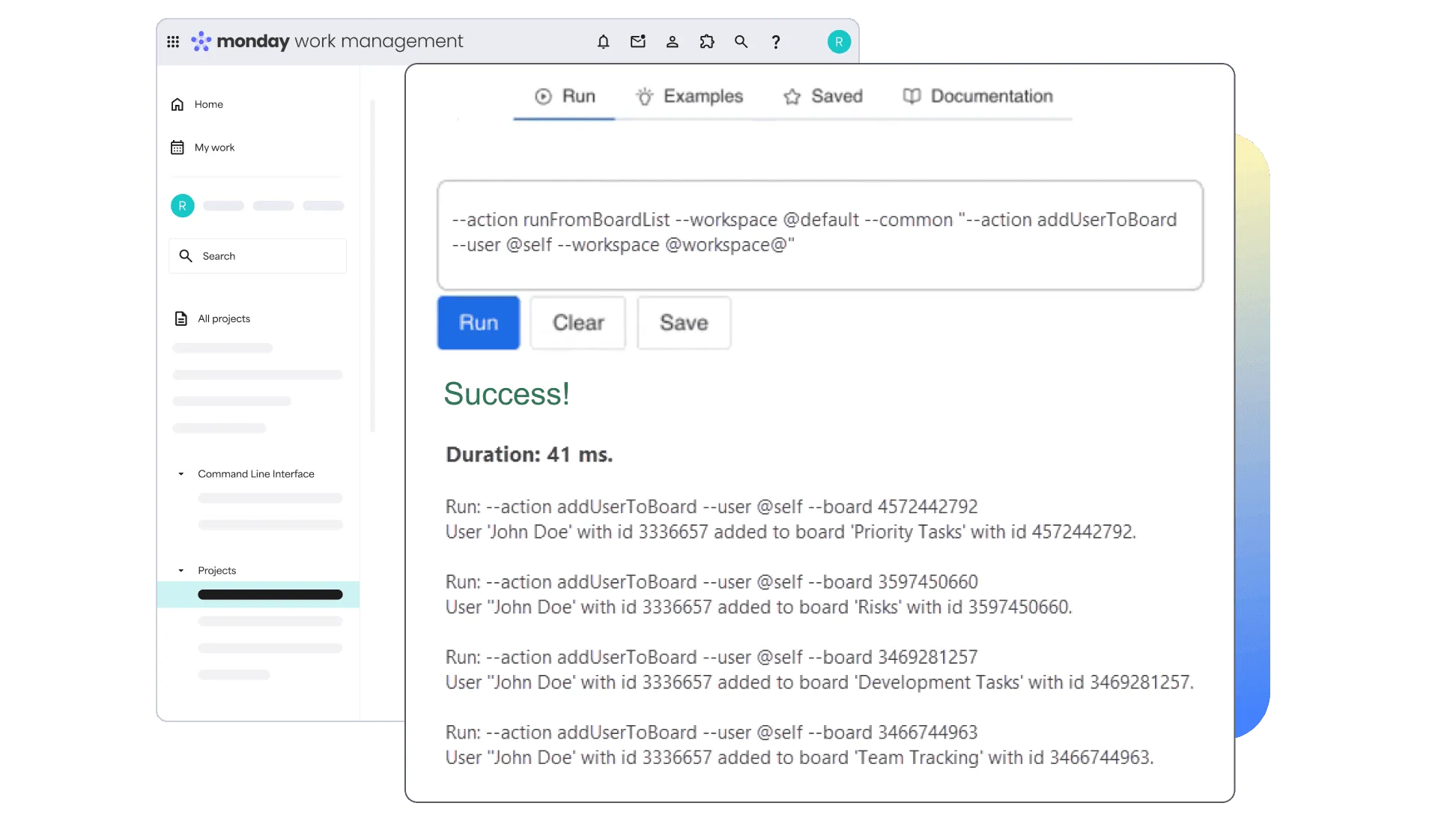
Automate tasks from a command line within monday.com
Execute tasks from a command line integrated into your boards. Clone workspaces, export to CSV and bulk update items and users (coming soon).
Accelerate tasks in the external terminal interface
Use the ACLI Shell terminal for advanced automations, made easy by command completions. Integrate the tech stack, export data and bulk update items and users.
More features
Stellar database support
Store and manage data efficiently by integrating monday.com with external data sources and databases such as PostgreSQL, Microsoft SQL Server, MySQL, or Oracle. Create and use database tables for advanced automation scripting.
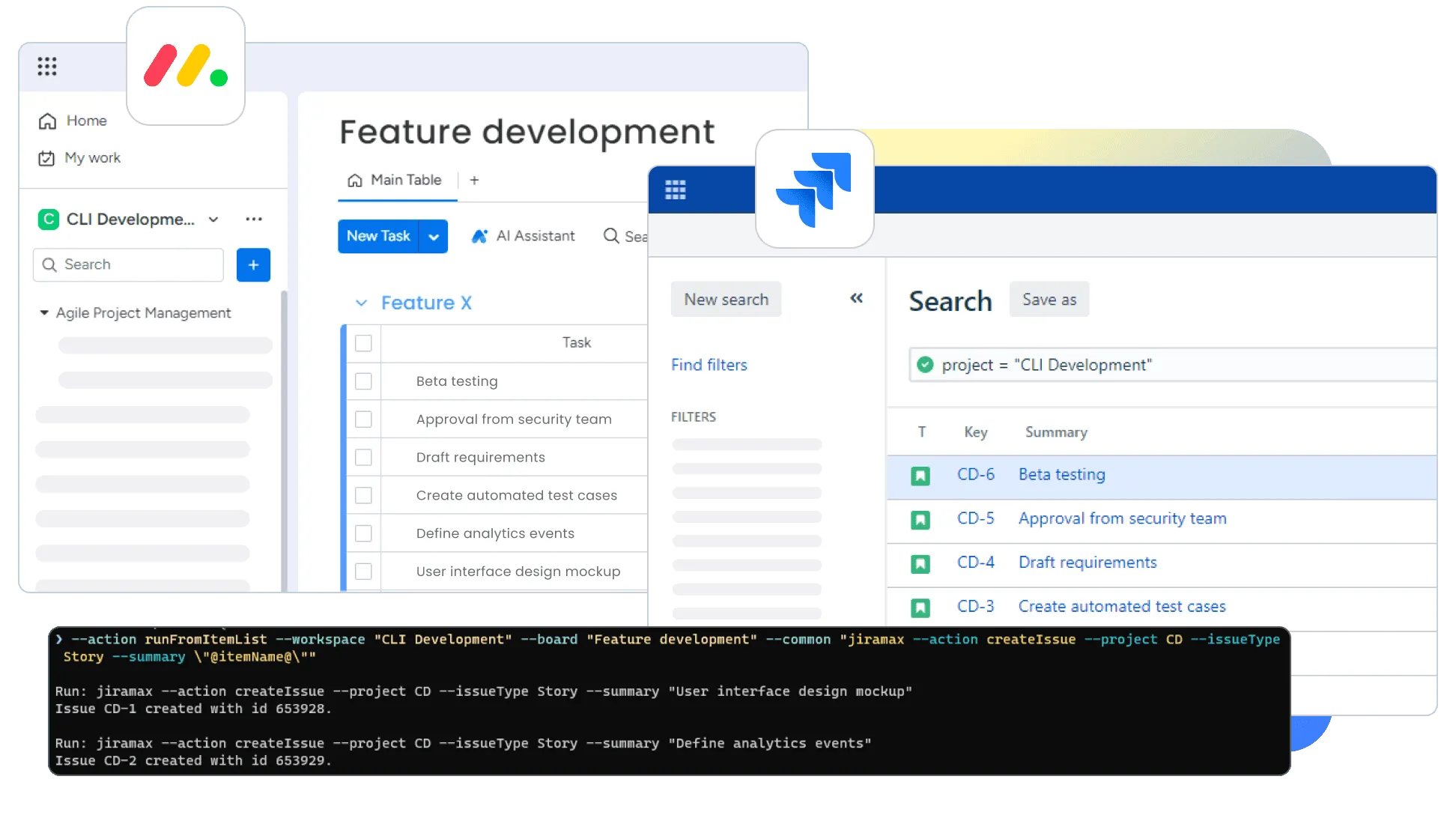
Simplify third-party data integrations
Integrate monday.com with external applications like Jira, Confluence, or Slack. Streamline collaboration, decision-making, and accuracy by synchronizing data across tools and eliminating duplication.
Advanced scripting enablers
Use the ACLI Shell to go beyond what’s available via REST API with scripting enablers like replacement variables and find/replace. Perform hundreds of actions with run and runFrom actions, including runFromList, runFromCSV, and runFromSQL.
Advanced data import and export
Trigger imports or exports to auto-run at any time. Export monday.com data like user lists, teams, permissions, workspaces, or boards for data clean-ups or to audit processes.
Elevate development workflows in VS Code
Write commands and run actions within the lightweight but powerful source code editor. The ACLI Companion lets you edit search and build actions — all from within VS Code.
Speed up tasks with bulk edits, updates, & changes
Streamline tasks and reduce errors. With bulk operations, create hundreds of users, export complete issue lists, and add several attachments with a single command.